01 · Choose the job
Start with one clear call need.
The selector maps your chosen needs directly to the four published packages. Add at most two secondary needs and note who handles calls requiring a person.
Your planning result
Published packages to compare
Questions to resolve
02 · Team review
What needs confirmation?
Bring these questions to a package review before making a choice.
Caller volume
Calendar and systems
Human exception
How the tool works
A plan to verify with your team.
What is counted
The primary need maps to its matching published catalog card. Up to two distinct secondary needs add their matching cards. No weighted score or unpublished package is used.
What remains unverified
This cannot confirm calendar, CRM or ticket permissions, staffing, contract fit, implementation timing or whether one package covers a combined workflow. Confirm any bundle or unusual need with Solutions HD.
Take the next step
Compare the published agents.
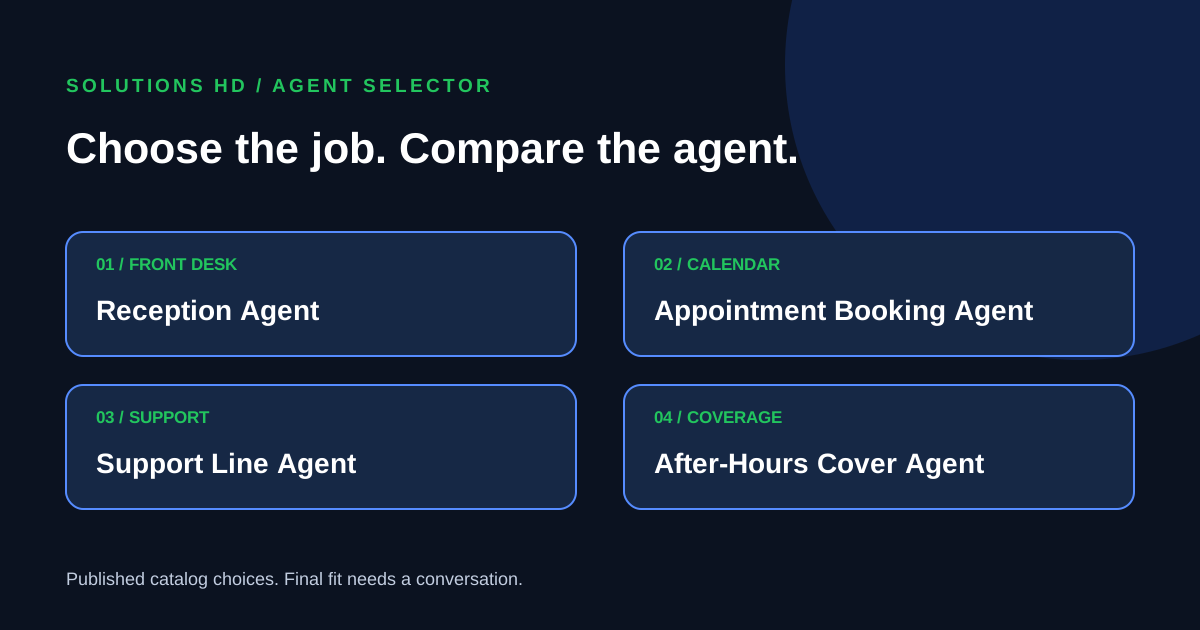
The current catalog lists Reception, Appointment Booking, Support Line and After-Hours Cover agents. Use the shortlist to focus a package conversation.
Put your plan in context
Read a related guide and a worked example →
Review your assumptions with the people who own the next step before configuring a live flow.